Hi, I'm Christophe
Welcome to my digital garden. I share practical guides on streamlining workflows with Docker, Linux, Python, PHP, Quarto, Docusaurus, ...
Explore the site
Blog
I'm publishing at least one article per week. →
Series
Browse articles grouped by series. →
Tags
Quick way to find posts by topic or keyword. →
Repositories
Discover my public repositories hosted on GitHub.com. →
Archive
A timeline view of everything I've published so far. →
About
Who I am, why I write, and what this blog is about. →
Latest 9 posts (out of 273 total)
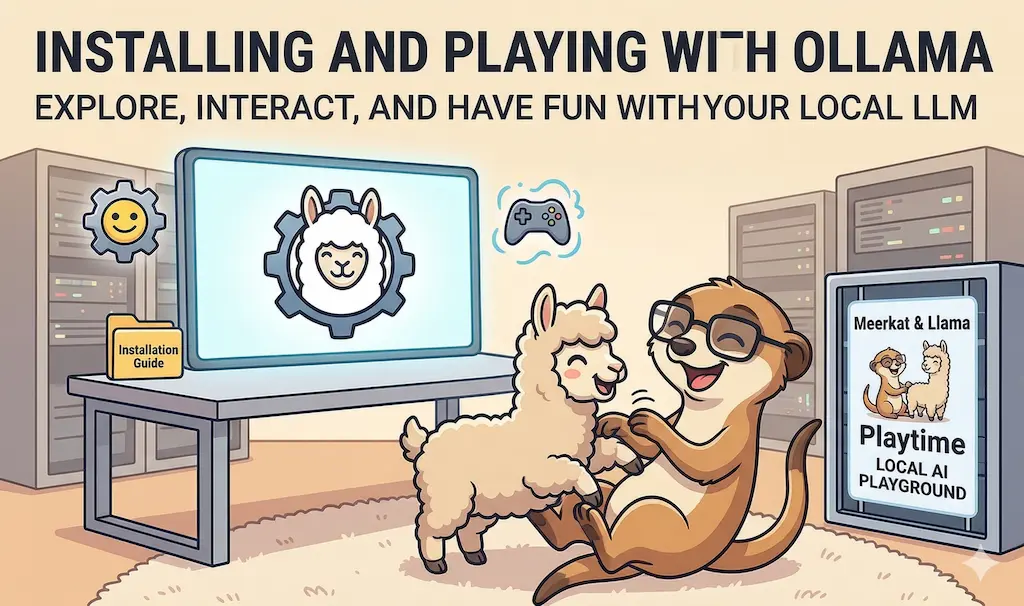
ai-explain: ELI5 for Scripts and Errors, Right in Your Terminal →
Another function in the Ollama daily-use series: pipe any script, error message, or stack trace to ai-explain and get a plain-English explanation of what it does or what went wrong — entirely local, no cloud required.
November 12, 2026
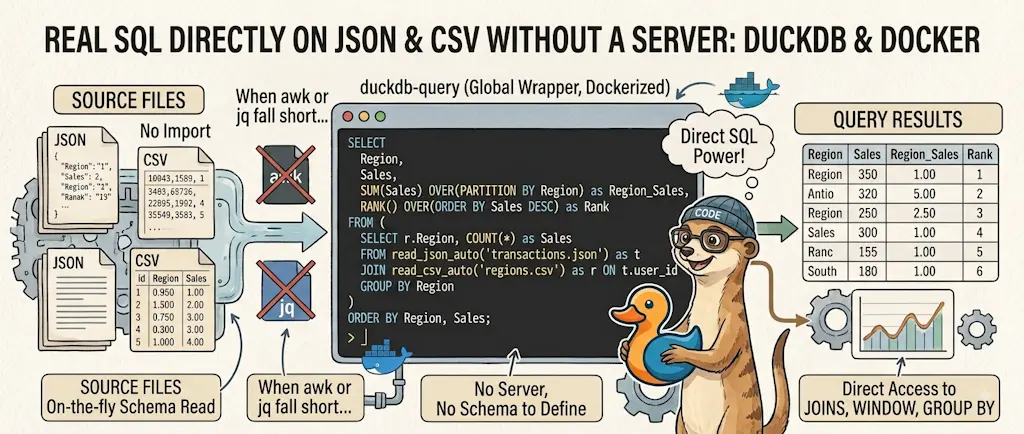
DuckDB - Query JSON and CSV Files With SQL, No Database Required →
Run real SQL — joins, window functions, GROUP BY — directly against JSON and CSV files, no import step, no server, no schema to define. Dockerized, with a duckdb shell function that works from any folder. The tool I reach for once awk or jq stop being enough.
November 9, 2026
Devcontainer - Name Your Container and Group It in Docker Desktop →
Stop getting random container names like serene_ganguly from VS Code devcontainers; use runArgs to force a name and group containers in Docker Desktop.
November 5, 2026
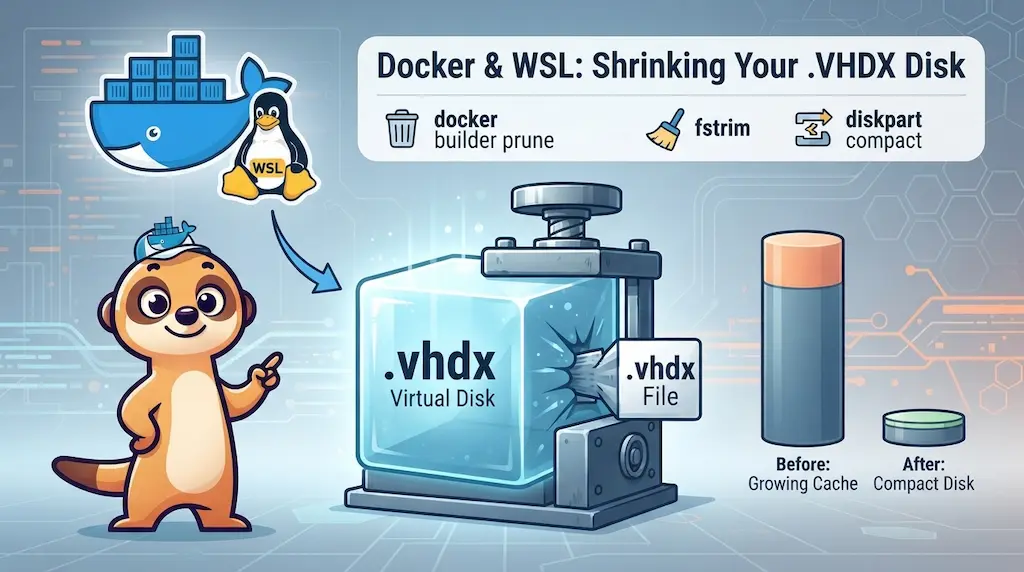
Docker Build Cache Ate 180 GB — Here's How to Get Them Back →
Docker's build cache accumulates silently inside WSL2's VHDX virtual disk — and Windows never reclaims that space on its own. Here is the full fix: three common steps, then one compaction method that depends on whether you have local admin rights.
November 2, 2026
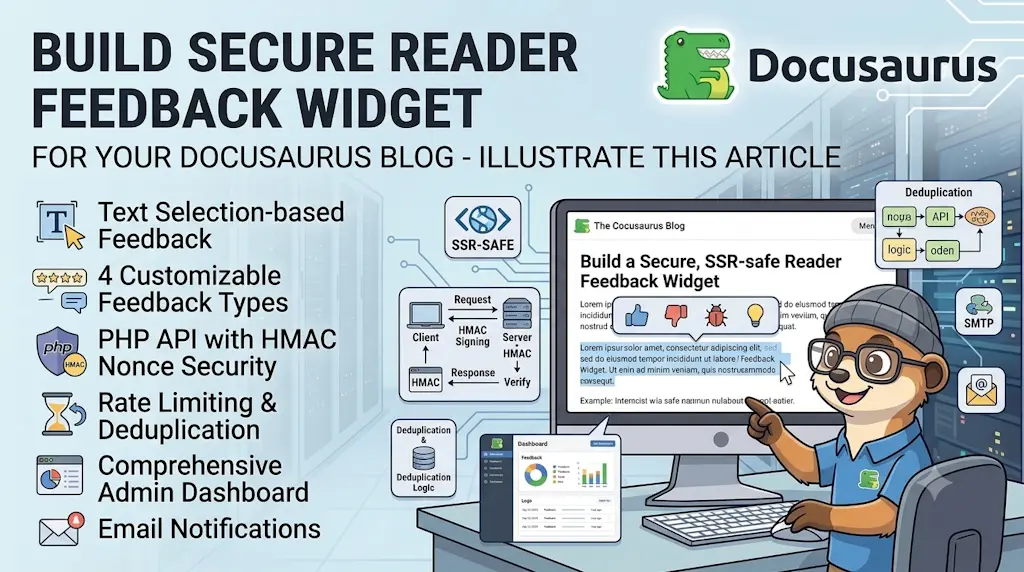
Let Readers Flag Issues — A Multi-Type Feedback Widget for Docusaurus →
Build a secure, SSR-safe reader-feedback widget for your Docusaurus blog — text selection, 4 feedback types, PHP API with HMAC nonce, rate limiting, deduplication, admin dashboard, and email notifications.
October 29, 2026
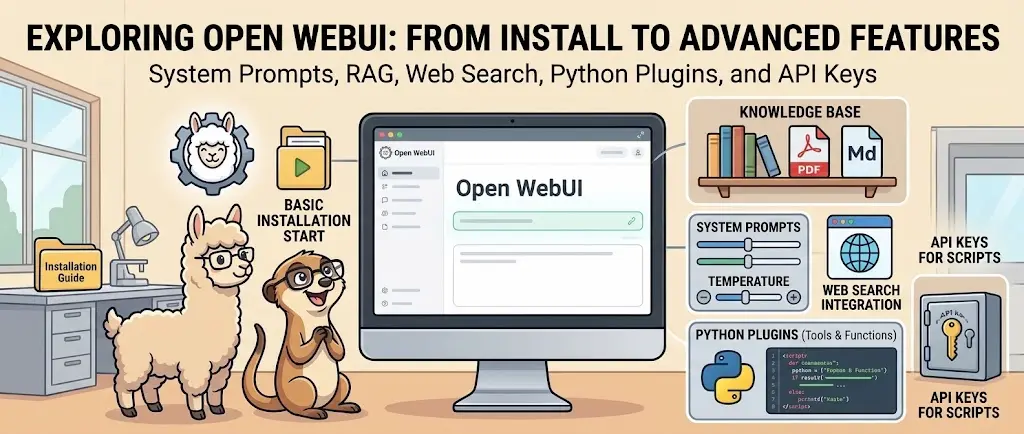
Open WebUI — Beyond the Chat: Models, RAG, Tools and API Keys →
Open WebUI is much more than a chat interface for Ollama. Custom model presets with system prompts, local document RAG, web search, Python Tools and personal API keys let you build a genuinely useful local AI workspace.
October 26, 2026
ai-data: Let a Local LLM Write Your jq and awk One-Liners →
A zsh function that reads a JSON or CSV file, understands its actual fields, and suggests 5 practical jq/awk commands tailored to that exact file — picked via fzf, then loaded onto your command line (not run for you) so you see, edit and learn the exact command before pressing Enter.
October 22, 2026
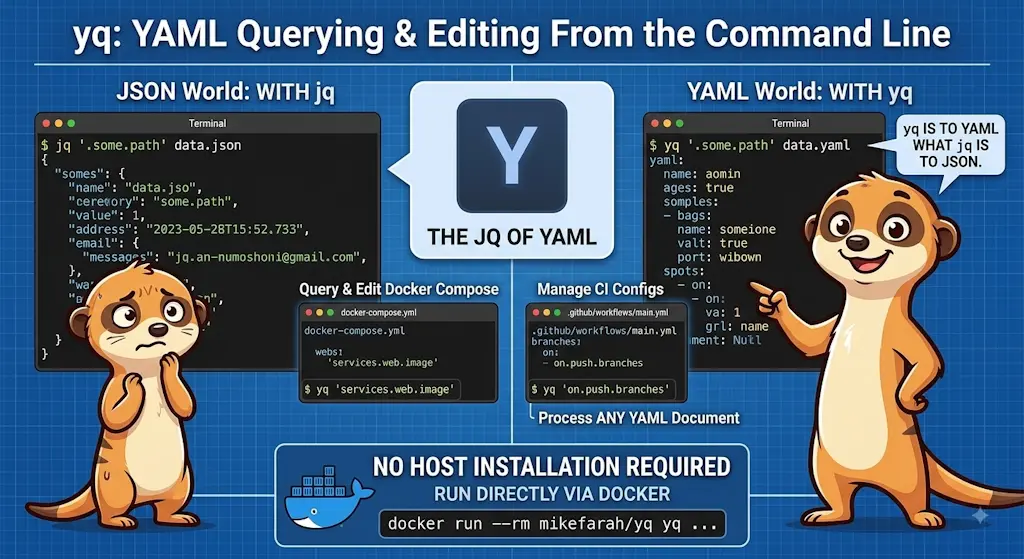
yq — The YAML Processor You Already Know How to Use →
yq is to YAML what jq is to JSON. Query and edit your Docker Compose files, CI configs, and any YAML document from the command line — no installation required beyond Docker.
October 19, 2026
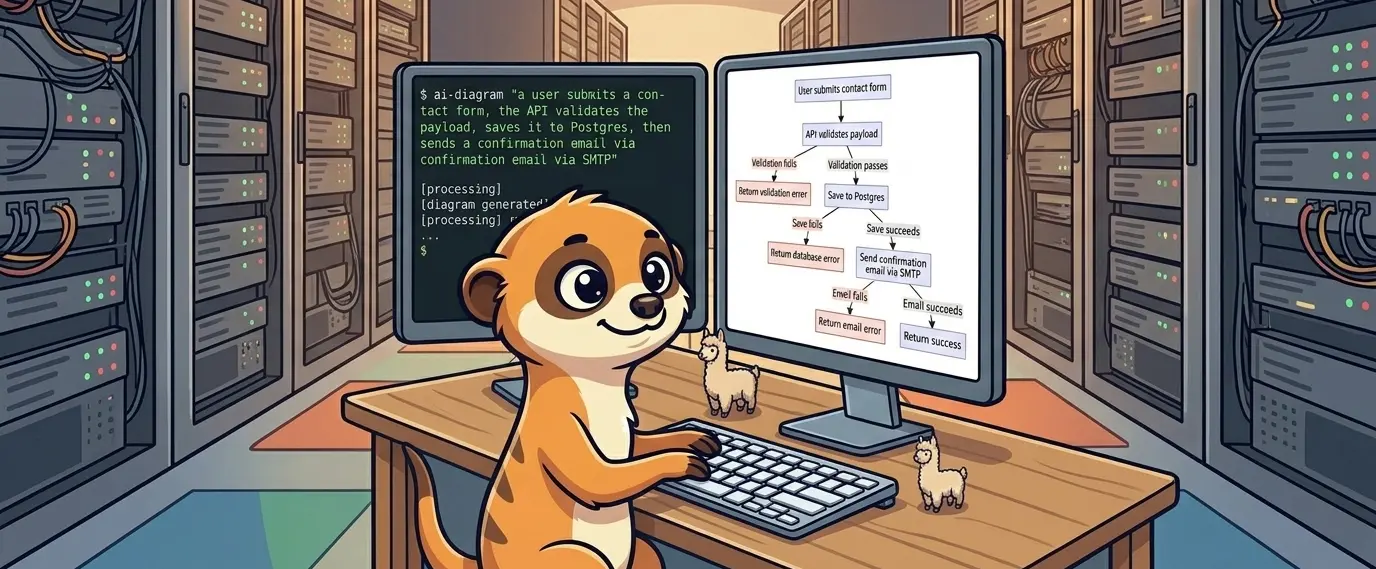
ai-diagram: From a Sentence (or a compose.yaml) to a Mermaid Diagram →
A zsh function that turns a plain-English description, or an existing config file like a docker-compose.yaml, into a Mermaid diagram — printed as a ready-to-paste fenced code block. Where docker-python-mermaid needs a script written for each input format, ai-diagram takes whatever you have in hand.
October 15, 2026
Explore the main topics
Docker
Deep dives into containerization, orchestration, and Docker Compose.
Linux
Command line, system administration, and general Linux workflows.
Docusaurus
Building, customizing, and extending static sites with Docusaurus.
VS Code
Tips, extensions, and configuration guides for Visual Studio Code.
Markdown
Advanced formatting and best practices for technical documentation.
PHP
Backend development, framework guides, and language features.
Code Quality
Static analysis, linters, formatters, and Git hooks for cleaner code.
Bash
Scripting, shell commands, and automation techniques.
WSL
Guides for Windows Subsystem for Linux (WSL 2) setup and usage.
Quarto
Creating dynamic reports, presentations, and scientific publishing.
Follow every new post
No account, no email address, nothing to unsubscribe from — new posts land in your feed reader on their own.
Any feed reader
Paste this URL into the reader you already use.
https://www.avonture.be/blog/rss.xmlFeedly or Inoreader
On a hosted reader? One click and you are subscribed.
New to RSS?
Pick a reader, subscribe to this blog, and never check the site again. It takes two minutes.
Start here →